Court ready documentation tools for individuals and professionals.
Legal Stylus stamps every entry with the date and time our server received it, keeps every version you save, and gives every file you attach a digital fingerprint. Start yours today, and you’ll always be able to say: I wrote this down when it happened, and here is the original.
Built for documenting harassment, stalking, workplace incidents, and abuse, on your own or with your attorney.
Free. No card. Nothing to install.
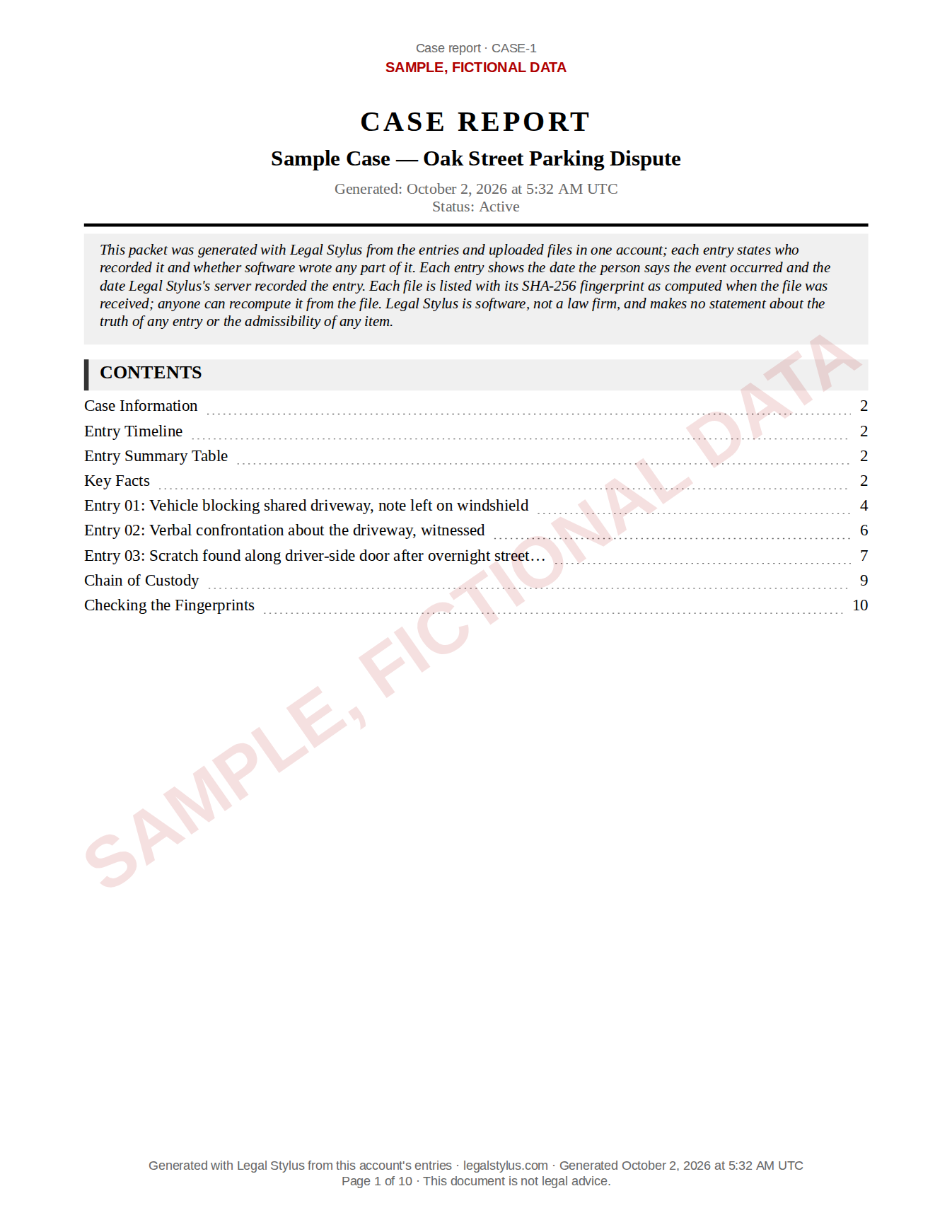 REAL EXPORT FROM LEGAL STYLUS · SAMPLE DATA
You were told to document everything. Nobody told you how.
So you’ve got screenshots in your camera roll, notes in three apps, and dates you’re already starting to forget. The people who tell you to document everything rarely say where, in what order, or how anyone else is meant to check it later. Legal Stylus is the how.
What a court asks of a record
“Who made this, and when?”
Every entry is stamped with the date and time you saved it, set by our servers, not your device’s clock. Edit all you want later: an edit never overwrites. It becomes a new version, dated, and the earlier text stays in the entry’s history for as long as the entry exists. Every change is on the record.
“Has it been altered?”
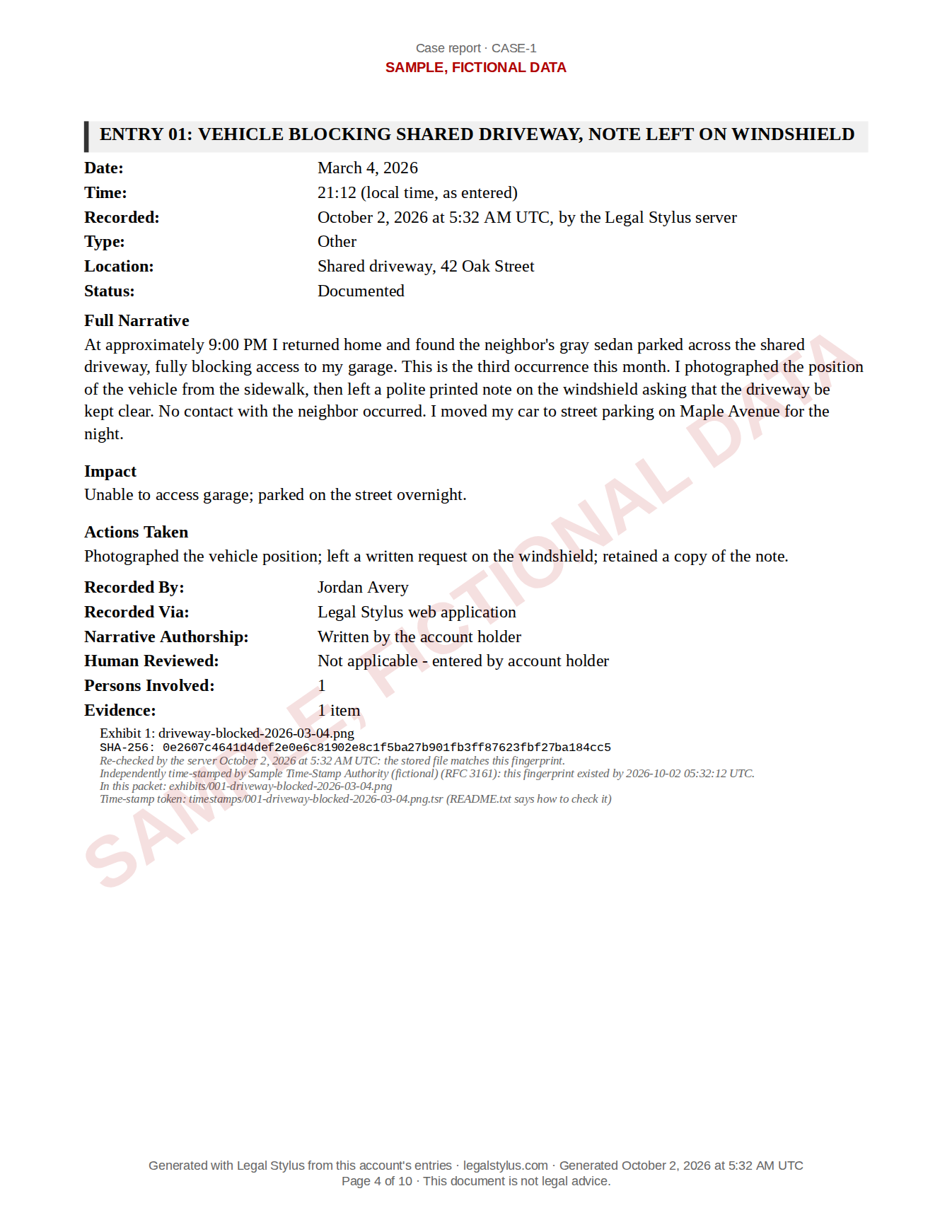
The moment you upload a photo, screenshot, or document, it gets a digital fingerprint (a SHA-256 hash, a code computed from the file itself). If even one pixel changed, the fingerprint would not match. Our server re-checks it every time the file is downloaded or exported, and about once a month otherwise, and an independent time-stamp authority signs it with the time it received it. That’s how you show a file is the same one you uploaded on that date.
“Who has touched it?”
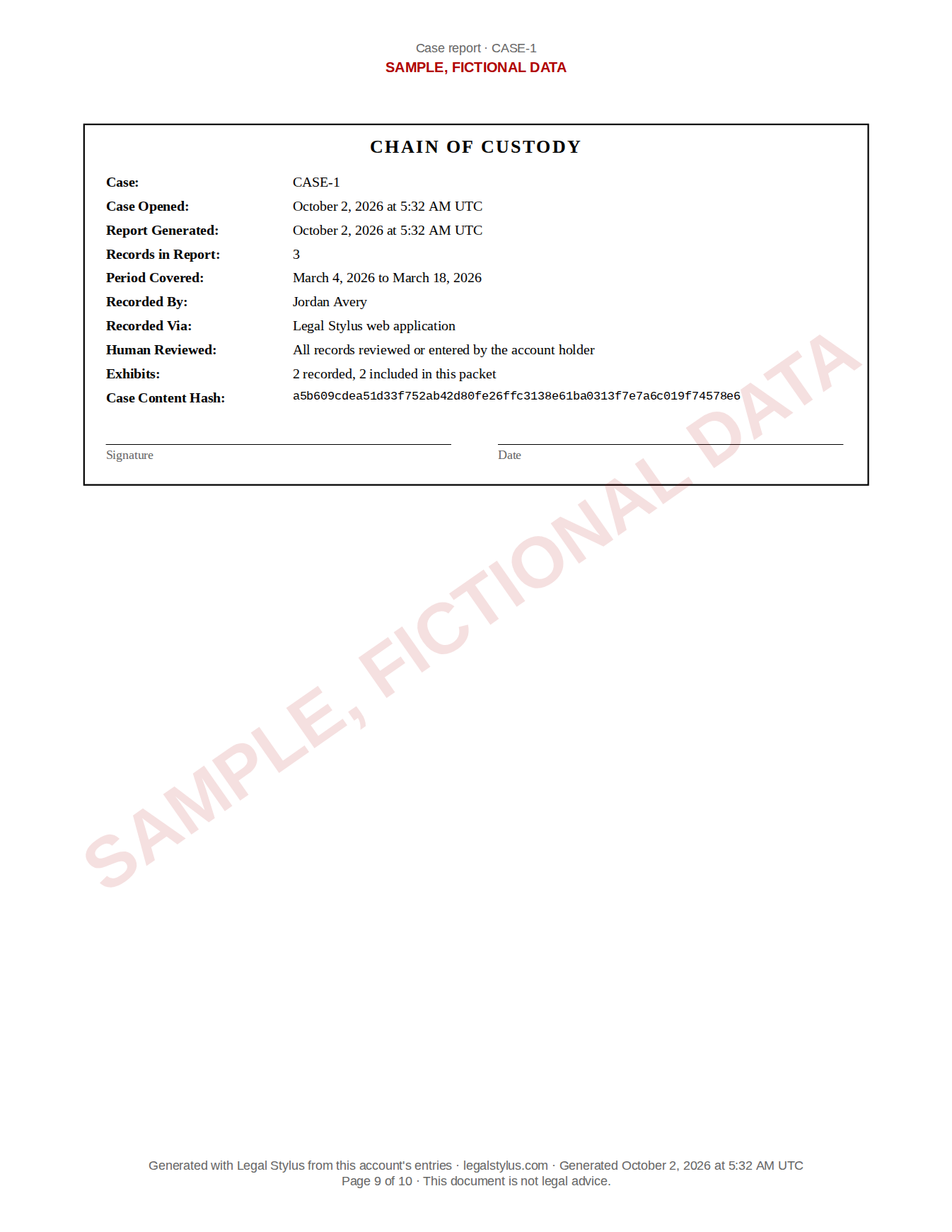
An activity history records every share, every export, every download, when someone you invited opens an entry, and every time a share link was opened — with the time, the network address, and the browser — and who did it. When you share with a lawyer or a court, you send a link that expires, and each opening shows up in that history. This is the paper trail about your paper trail.
Only a judge decides what is admitted in a given case. Ask your attorney or a court self-help center how records like this are used where you are.
Three steps between tonight and a packet you can hand over.
Write it down while it’s fresh.
One guided form: what happened, in your own words. Rough notes are fine. The questions catch what people forget under stress: witnesses, exact words, times, what it cost you. You can add a person’s name later, or never.
It’s recorded the moment you save.
Date-stamped by our server, and every later edit is kept as a new version. Attach photos, screenshots, video, audio, and documents, up to 100 MB each, and each gets its own digital fingerprint on upload, time-stamped by an independent authority.
Export the packet when it matters.
One click produces a PDF: your entries in date order, each attached file listed with its fingerprint. Or share a redacted, expiring link with your attorney, with the redaction applied on our servers, so what you hide stays hidden.
This is what your record becomes.
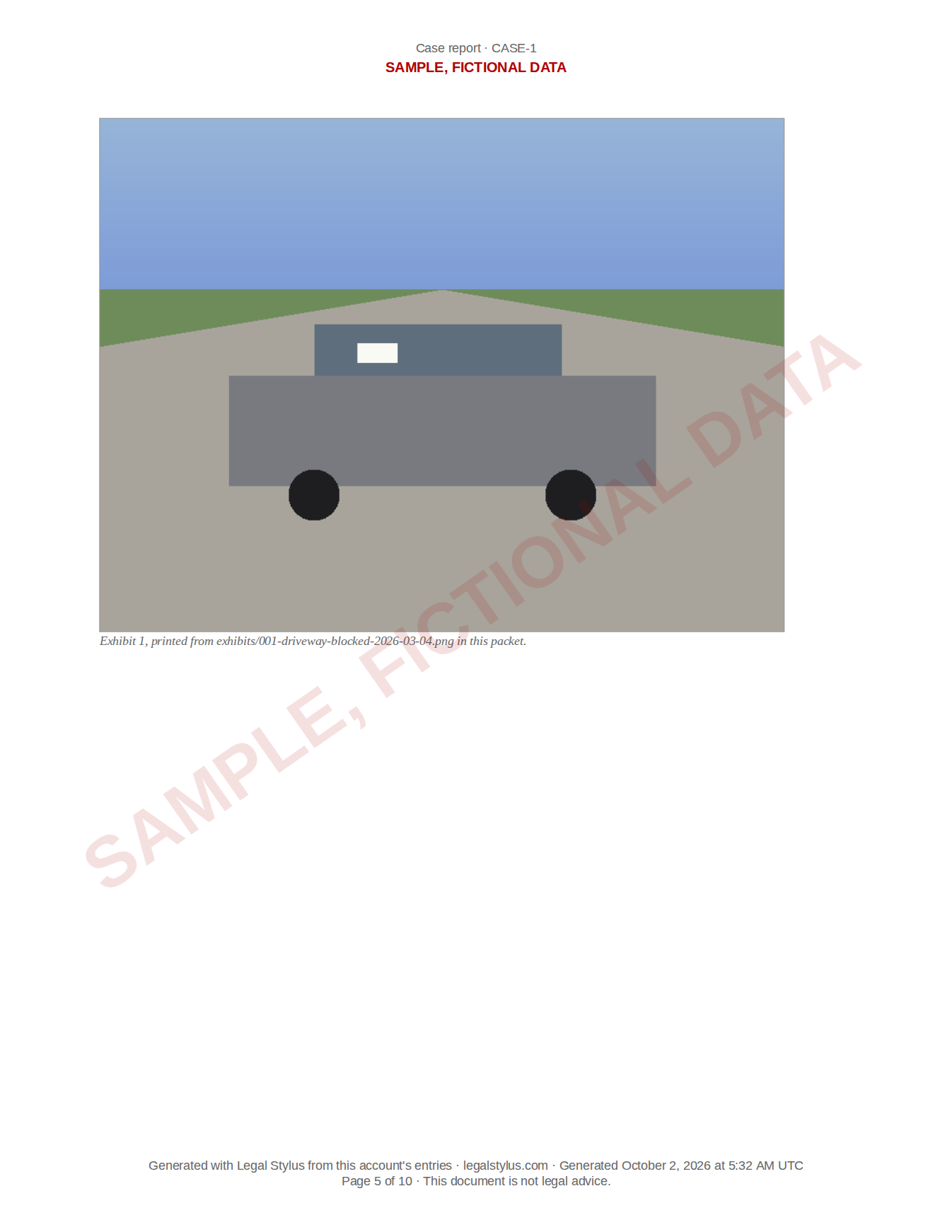
A real export from Legal Stylus, using a fictional dispute. Show it to your attorney. Compare it to the notes app, the email drafts, the screenshots folder. This is the difference between “I have some stuff on my phone” and “here is my documented record.”
No email required.
Sample export from Legal Stylus. Fictional data.Built for both sides of the courtroom door.
Documenting on your own?
Most people who arrive here were told to “document everything” and never told how, or where. Legal Stylus is the how: guided entries, fingerprinted evidence, and a packet you can hand to a lawyer, an advocate, or a judge. You own every word and every export, always.
Attorneys and small firms
Your clients text you screenshots. Legal Stylus turns them into labeled, hashed, chronologically ordered exhibits. Invite clients to a case, see entries as they are logged, and export a packet with the full history of who did what and when. Clients never pay.
Private by architecture, not by promise.
No ad trackers. Ever. No pixels, no analytics resold to anyone, and our fonts are served from our own site, so even your font requests never leave it.
Nothing to find on a phone. Legal Stylus is a website, not an app-store download. No icon, no purchase receipt. You can use it from a library or a friend’s computer.
A quick-exit button inside your record is on every screen once you are signed in. One click, or the Shift key three times, signs you out and takes you to a weather site at once. It cannot erase your browsing history, and no button can, so if someone monitors your device, use a safer one.
You control every disclosure. Sharing is off by default. Share links expire, redactions are enforced on our servers before anything is sent, and every successful opening is logged.
Your record is never hostage. Export everything from Settings — every entry, every version, every file with its fingerprint, as one ZIP — free, whether or not you ever pay us.
The safety guide says what each of these cannot do.
Not built yet. We would rather tell you than let you find out. Still to come: a formal privacy policy and terms of service.
Why this exists
Legal Stylus started with a sentence I kept hearing from people fighting to be believed: “I wish I’d written it down.” The tools people actually reach for in that moment — notes apps, email drafts, camera rolls — keep their dates on the device, where they can be changed and where nobody else can check them.
I built Legal Stylus to close that gap: a record that carries its own credibility. It’s early, and you may be one of our first users, which I consider a responsibility. Legal Stylus isn’t a law firm and it isn’t legal advice. It’s the record you bring to one.
— Justin Marshall, founder
The honest answers
Will a court accept this?
Can I edit an entry? Doesn’t that hurt credibility?
Is it really free? What’s the catch?
Who can see my record? Can the other side find out I’m keeping one?
What if someone checks my device?
What happens to my evidence if I stop paying, or if you shut down?
Is this legal advice?
Start your record tonight.
Write it down while you still remember the details. Start now, and add older events any time: your entry records when it happened, and our server’s timestamp shows when you wrote it down.
Free. No card. Nothing to install.